

-
- No Comments
- December 9, 2025

How do i transfer money from Cash App to Chime
1. Introduction
Moving money between Cash App and Chime is something millions of users need to do especially if you rely on both platforms for spending, saving, or everyday transfers. But here’s the catch: Cash App and Chime don’t support direct, app-to-app transfers. There’s no built-in button that sends money straight from Cash App to Chime in one tap.
Instead, the transfer works through a simple and secure two-step bank bridge. You cash out your funds from Cash App into a shared external bank account (or linked Chime card), and then move that money into Chime. It’s fast, reliable, and the exact method Cash App itself recommends when sending money to another financial institution.
In this guide, you’ll learn why direct transfers aren’t possible, how the bank-bridge method works, how to link Chime to Cash App properly, and the exact step-by-step process to move your money smoothly with no delays, errors, or hidden fees.
2. Can You Transfer Money Directly From Cash App to Chime?
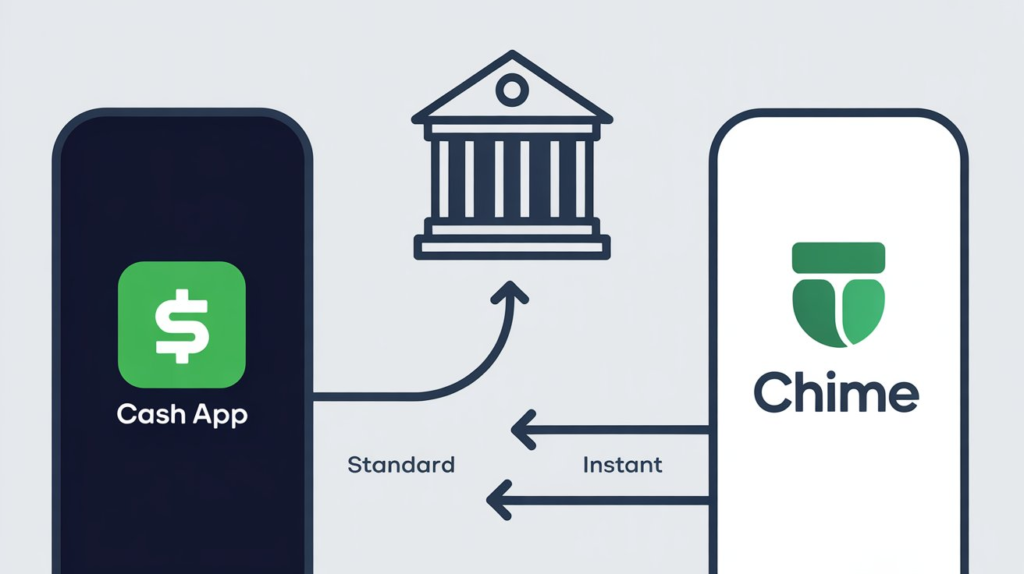
The short answer: No — there’s no direct peer-to-peer integration between Cash App and Chime.
You cannot send money from one app to the other with a single native transfer.
Here’s why:
Cash App and Chime operate on different internal networks and do not share a unified instant-transfer pipeline. Because of that, an external bank account acts as the bridge between the two platforms. When you “cash out” in Cash App, the money travels to your linked bank — and once it lands there, you can pull it into Chime.
That said, you can speed things up if you link your Chime debit card inside Cash App. This enables faster instant transfers (for a small fee) and eliminates some of the waiting time, since Cash App can push funds directly to your card instead of a standard bank account.
In short:
- Direct Cash App → Chime transfer: Not supported
- Via external bank: Works reliably
- Via linked Chime debit card: Fastest option, but may include instant-transfer fees
3. What You Need Before Transferring (Prerequisites)
Before moving money from Cash App to Chime, a few things must be in place to make sure the transfer goes through smoothly, without delays or errors.
• Link the same external bank account to both apps:
This is the core requirement. Cash App sends the money to your linked bank, and Chime pulls the money from that same bank. Using one shared account keeps everything synced and avoids transfer failures.
• Have your Chime routing and account numbers ready:
You’ll need these details when linking Chime to Cash App.
- Routing Number: 031101279
- Account Number: Found inside the Chime app under Settings → Account Information
• Option to link your Chime Visa Debit Card via Plaid:
If you prefer faster transfers, Cash App lets you connect the Chime debit card instead of using routing and account numbers. This unlocks Instant Transfers, which take minutes (but include a small fee).
• Update both apps to the latest version:
Old versions cause linking errors, failed cash-outs, or missing verification prompts.
• Confirm your Cash App balance and limits:
Make sure your balance covers the amount you’re sending plus any instant-transfer fees.
Typical limits:
- Verified users: $7,500 per week
- Standard bank cash-outs: up to $25,000 per day
• Enable notifications on both apps:
This helps you track each step linking confirmations, micro-deposits, cash-outs, and completed transfers.
4. How to Link Chime to Cash App (Step-by-Step)
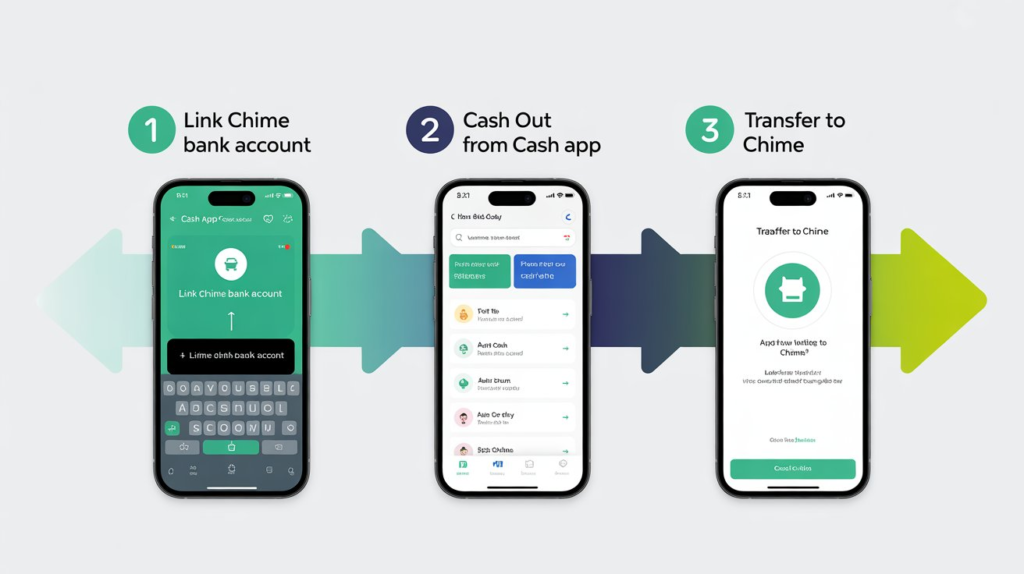
Connecting Chime to Cash App is simple, but accuracy matters. Here’s the exact process.
Step 1: Open Cash App
- Launch the app
- Tap your profile icon in the top-right corner
Step 2: Go to Linked Banks
- Select “Linked Banks”
- Tap “Link Bank”
Step 3: Add Your Chime Details
You have two options:
Option A — Link via Routing & Account Number:
- Enter Chime routing: 031101279
- Enter your Chime account number
- Submit the form
Option B — Link Chime Debit Card (Fastest Option):
- Enter your Chime Visa Debit Card number
- Complete Plaid verification
- This enables Instant Transfers for faster delivery
Step 4: Complete Micro-Deposit Verification
If you linked using routing + account numbers, Cash App may send two small test deposits to your Chime account.
- These usually arrive within 1–2 days
- Open Chime → check your Checking Account → confirm the amounts inside Cash App
This step activates the connection.
Step 5: Activation Confirmation
Once verified, Cash App will show your Chime account or card as a linked payment method. At this point, you’re fully connected and ready to start transferring money.
5. How to Transfer Money From Cash App to Chime (Complete Guide)
Once your accounts are linked, moving money from Cash App to Chime is a simple two-step process. Here’s exactly how to do it without delays or errors.
Step 1: Cash Out From Cash App
- Open Cash App and go to the Banking tab
Tap the bank icon in the bottom-left corner — this shows your balance and transfer options. - Tap “Cash Out”
This opens the withdrawal screen where you choose how much you want to send. - Enter the transfer amount
Make sure the amount is within Cash App’s limits and your available balance. - Choose your transfer speed
- Standard: Free, arrives in 1–3 business days
- Instant: 1.5% fee, usually lands in minutes (to Chime card or linked bank)
- Standard: Free, arrives in 1–3 business days
- Confirm the transfer
Approve the cash-out using your Cash App PIN or biometric verification (Face ID/Touch ID).
The money will now start moving toward your linked bank account.
Step 2: Move Money Into Chime
- Open the Chime app
Go to your dashboard. - Tap “Move Money” → “Transfer”
This is where you bring funds from an external bank into your Chime Checking Account. - Select the linked bank account
Choose the same bank you linked inside Cash App.
If you used your Chime debit card for Instant Transfer, this step is automatic. - Enter the amount you want to move
You can transfer the entire incoming amount or just a portion. - Confirm the transfer
Chime will process the request and show a confirmation message.
Processing Times
- Instant Transfer (Cash App → Chime card): A few minutes
- Standard Transfer (Cash App → external bank → Chime):
• Cash App to bank: 1–3 business days
• Bank to Chime: Instant to 1 business day
Where the Funds Will Appear
Once processed, the money will show up in your Chime Checking Account balance.
You can view it on the home screen under “Checking Account”, and Chime will also send a notification when the funds arrive.
6. Transfer Fees, Limits, and Times
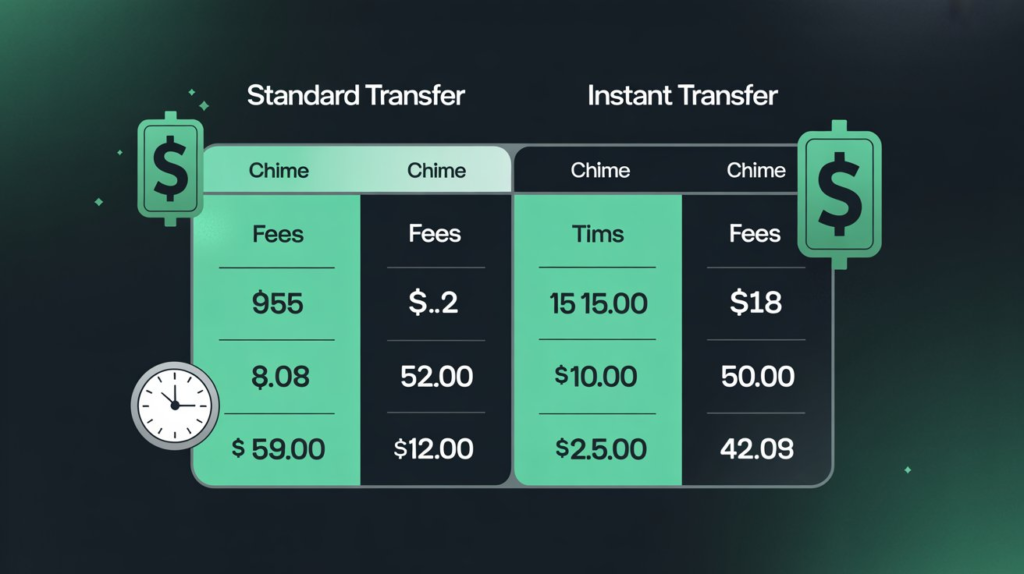
When sending money from Cash App to Chime, how much you pay and how long it takes depends on the transfer method you choose. Below is a breakdown to help you decide what works best for you.
📊 Fees, Limits & Transfer Times
| Transfer Type | Fee | Time | Typical Limits* |
| Standard (Bank / ACH) | Free RemmyTech+2cash.app+2 | 1–3 business days RemmyTech+2scrambly.io+2 | Up to $25,000/day, weekly limits often $7,500 for verified users RemmyTech+1 |
| Instant (Debit Card / Bank — if supported) | 0.5%–1.75% of the amount (minimum $0.25) Gerald+2CGAA+2 | Minutes to under 30 minutes RemmyTech+2scrambly.io+2 | Daily/weekly limits vary — e.g. $10,000/day for some users under instant option RemmyTech+1 |
*Limits depend heavily on user verification status and Cash App & Chime account history. RemmyTech+2ecashinsight.com+2
✅ What You Should Know Before Choosing a Method
- Standard transfer = cost-free, reliable, but slower.
If time isn’t critical, standard ACH transfers are the safest bet. - Instant transfer = speed — plus a small fee.
Great for urgent needs, but expect ~0.5–1.75% of the total transfer amount taken as fee. CGAA+1 - Watch your limits.
Verified accounts usually enjoy higher send/receive limits; unverified accounts may have cooldowns or lower thresholds. RemmyTech+1 - Transfer times vary depending on banking hours & verification.
Even standard transfers — typically 1–3 business days — can get delayed by weekends, holidays, or mismatched account info. RemmyTech+1 - Always double check your linked bank or card details.
Mistyped routing or account numbers can cause delays or failed transfers. It’s wise to do a small initial test transfer before moving large amounts.
7. Troubleshooting: Fix Common Transfer Issues
Even if everything is set up correctly, transfers from Cash App to Chime can fail or get delayed. Here are the most common issues and how to fix them fast.
Re-link Your Accounts
If Cash App or Chime suddenly stops recognizing your bank:
- Remove the linked bank or debit card from Cash App
- Re-add it using the correct routing and account number (or Chime debit card)
- Repeat the same process inside the Chime app
This refreshes the connection and often clears hidden sync errors.
Clear Cache or Update Both Apps
Outdated app versions cause:
- Missing buttons
- Transfer errors
- Stuck verification screens
Fix it by:
- Updating Cash App + Chime to the latest versions
- Clearing cache on your device
- Restarting your phone
Most “processing failed” issues disappear after this.
Verify Matching Names on Both Accounts
Transfers fail when the name on your Cash App account doesn’t match the name on your Chime bank account.
To fix:
- Check your Cash App profile info
- Make sure your Chime legal name is the same
- Update whichever account has outdated information
Matching names = fewer holds and no verification delays.
What to Do if a Transfer Fails
If the transfer refuses to go through:
- Confirm your Cash App balance is enough
- Check if you hit your daily/weekly limit
- Try sending a smaller test amount
- Switch from Instant → Standard or vice-versa
- Re-enter your Chime routing and account number
If it still fails, the issue is usually on Cash App’s verification side.
Contacting Cash App or Chime Support
If you need official help:
Cash App Support
- Open Cash App → Profile → Support → Chat
- Or check the Activity tab and choose the failed transfer
Chime Support
- Open Chime → Settings → Help
- Or visit their support center via the app
Provide:
- Transfer amount
- Approximate time
- Last 4 digits of the linked bank
- Whether it was Standard or Instant
This speeds up resolution.
Using Activity Logs + Screenshots
Always keep screenshots of:
- Cash Out confirmation
- Transfer details
- Bank verification
- Chime “Move Money” timeline
These help support teams verify the issue and reverse failed or stuck transfers faster.
8. Safety Tips & Best Practices
Transferring money between Cash App and Chime is safe — but only if you follow a few smart precautions.
Double-Check Your Routing and Account Numbers
A single mistyped digit can:
- Send money to the wrong account
- Trigger transfer holds
- Cause multi-day delays
Always verify the Chime routing number (031101279) and your account number before linking.
Avoid Transferring Your Full Balance at Once
Especially if it’s your first time linking the accounts.
Instead:
- Send $5–$20 as a test
- Confirm it arrives
- Then move larger amounts
This prevents large transfers from getting flagged or frozen.
Watch for Instant Transfer Fees
Instant transfers save time but cost:
- 0.5%–1.75% fee (minimum $0.25)
If the payment isn’t urgent, use Standard (free).
Keep Both Apps Updated
Updates often fix:
- Failed transfers
- Broken bank connections
- Verification issues
- Slower processing times
Enable automatic updates so your apps stay stable and secure.
10. Resource Links (Cited Sources)
- TechBloat Tutorial
https://techbloat.com/how-to-transfer-money-from-cash-app-to-chime.html - JoinGerald Blog
https://joingerald.com/blog/how-to-transfer-money-from-cash-app-to-chime - YouTube Walkthrough (Cash App → Chime Transfer Guide)
https://www.youtube.com/watch?v=6Sx7xV9uD4o - Related Guides (Internal Links You Can Use):
- How to Transfer Money From Chime to Cash App
https://yourwebsite.com/chime-to-cash-app - Cash App Standard vs Instant Transfer Explained
https://yourwebsite.com/cash-app-instant-vs-standard - How to Add Chime to PayPal
https://yourwebsite.com/add-chime-to-paypal - Digital Wallet Transfer Guide
https://yourwebsite.com/digital-wallet-transfers
- How to Transfer Money From Chime to Cash App
11. Conclusion
Sending money from Cash App to Chime is easy once you follow the proven two-step method — cash out to a linked bank, then pull the money into Chime. Since direct transfers don’t exist, this is the most secure and dependable way to move your funds.
Always start with a small test transfer, confirm everything works smoothly, and then proceed with bigger amounts.
With correct linking, updated apps, and careful checking, you can transfer money safely and without delays — every single time.
FAQ: Cash App to Chime Transfers
1. Can I transfer money directly from Cash App to Chime?
No — Cash App doesn’t support direct transfers to Chime. You must use an external bank or your Chime debit card as the bridge.
2. How long does it take for Cash App to send money to Chime?
Instant Cash Outs arrive instantly but charge a fee. Standard Cash Outs usually take 1–3 business days, and then transferring into Chime can take a few hours up to 1 day.
3. Why won’t my Cash App link to Chime?
Common issues include incorrect routing/account numbers, mismatched account names, outdated apps, or Plaid not detecting your Chime account. Re-linking usually fixes it.
4. Is it safe to transfer money from Cash App to Chime using the two-step method?
Yes. Using a verified bank account or your Chime Visa debit card is secure and supported by both platforms.
5. What’s the fastest way to move money from Cash App to Chime?
Use Instant Cash Out from Cash App → then Move Money in Chime to pull from the same linked bank. This method is usually the quickest overall.