
-
- No Comments
- December 28, 2025

How i know when my ps3 ex-01 is done charging
1. Introduction
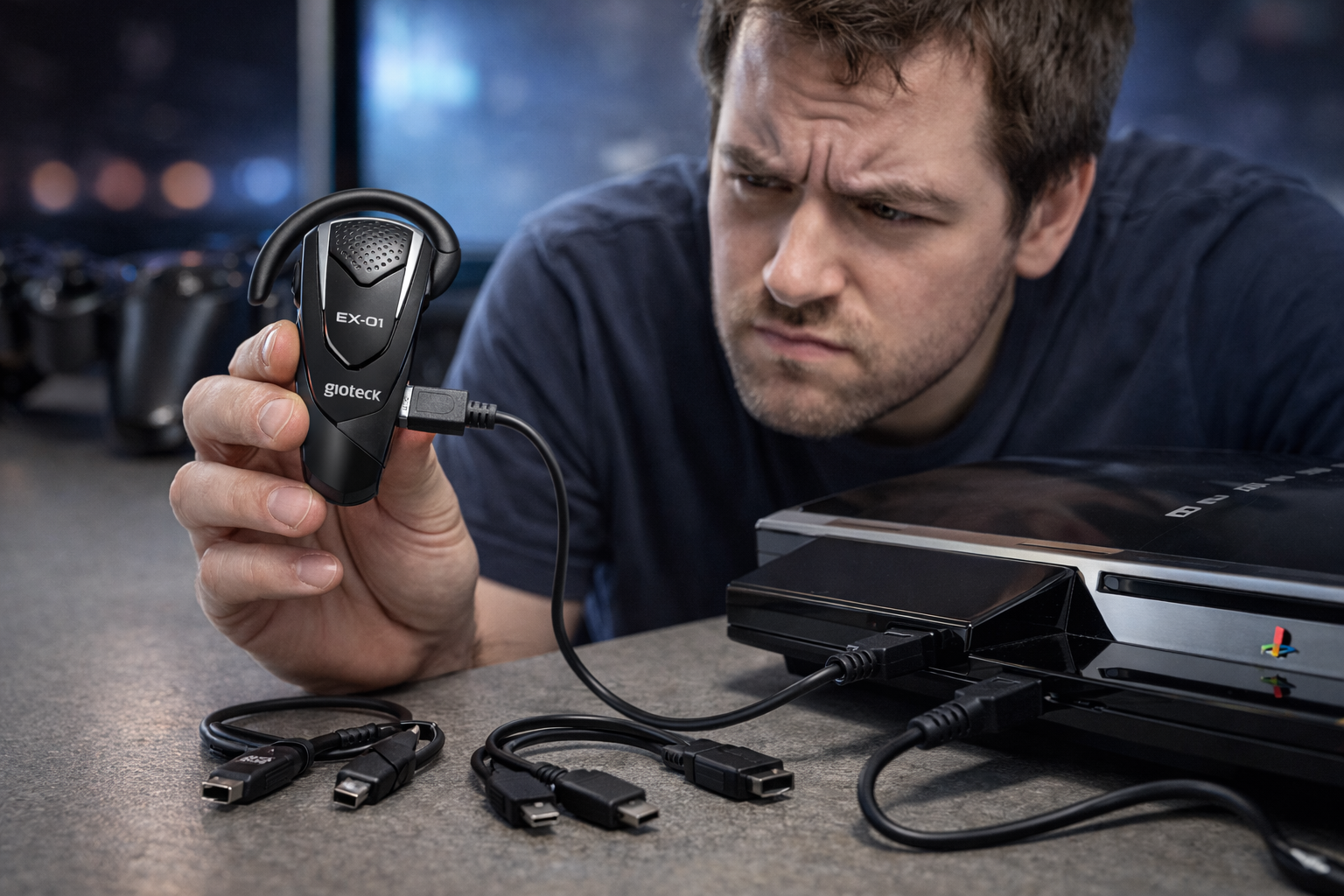
If you’ve ever plugged in your PS3 Gioteck EX-01 headset and then found yourself staring at it, wondering whether it’s still charging or already done, you’re not alone. Unlike some devices that show a clear battery percentage or pop up a notification, the EX-01 keeps things simple sometimes a little too simple. This often leads to confusion, especially if you’re charging it for the first time or after not using it for a while.
So the big question is: how do you actually know when your PS3 EX-01 is fully charged?
The answer comes down to one small but important detail the LED indicator on the headset.
2. Understanding the PS3 EX-01 Charging Indicator
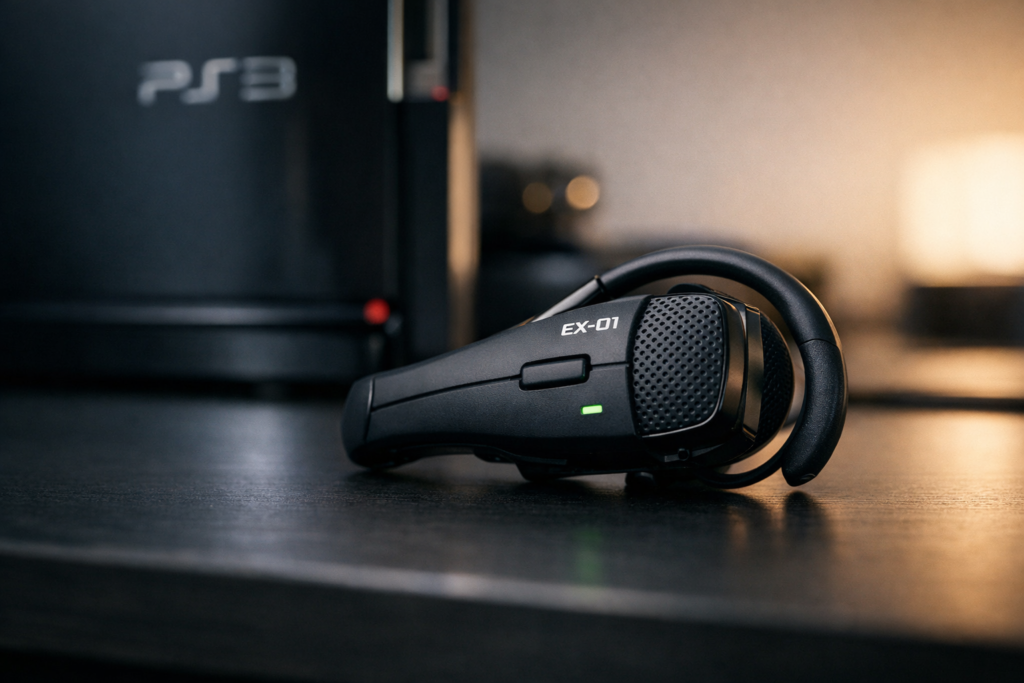
The PS3 Gioteck EX-01 uses a built-in LED light to communicate its charging status. This light is your main reference point, and once you understand what it’s telling you, charging becomes straightforward.
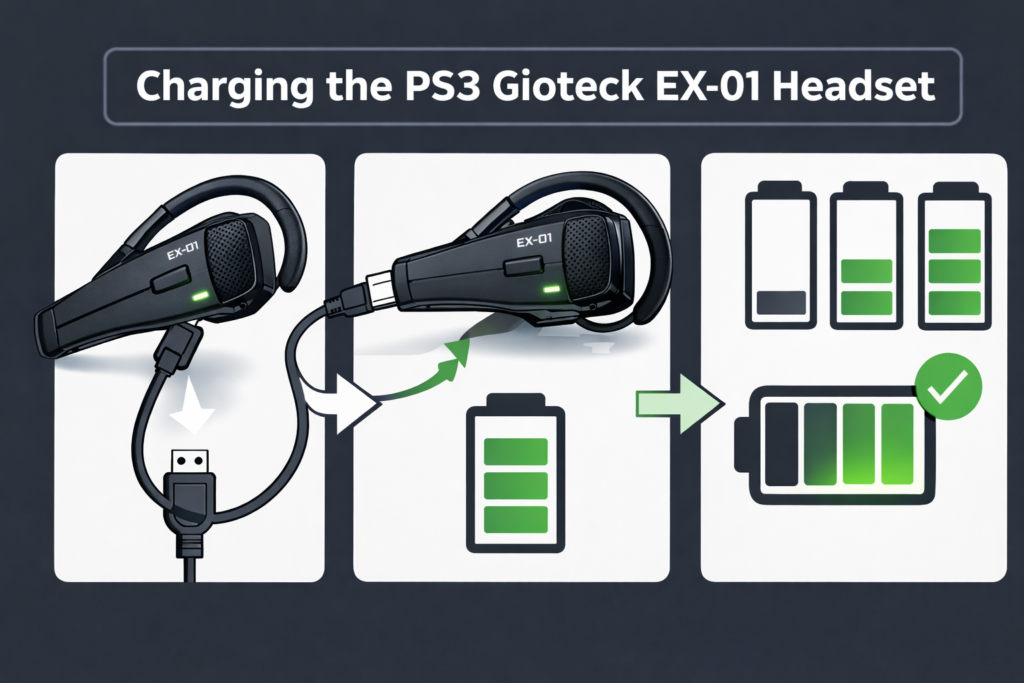
When the headset is plugged in and actively charging, the LED shows a solid green light. This means power is flowing into the battery and it’s still building up charge. As long as that green light is clearly visible, the headset hasn’t reached full capacity yet.
Once the battery is fully charged, the LED turns off completely or becomes very faint, sometimes appearing as a weak green. This change signals that the rechargeable battery has reached its limit and no longer needs power. At this stage, the headset is done charging and can be safely unplugged and used.
3. How to Properly Charge the PS3 EX-01 Headset
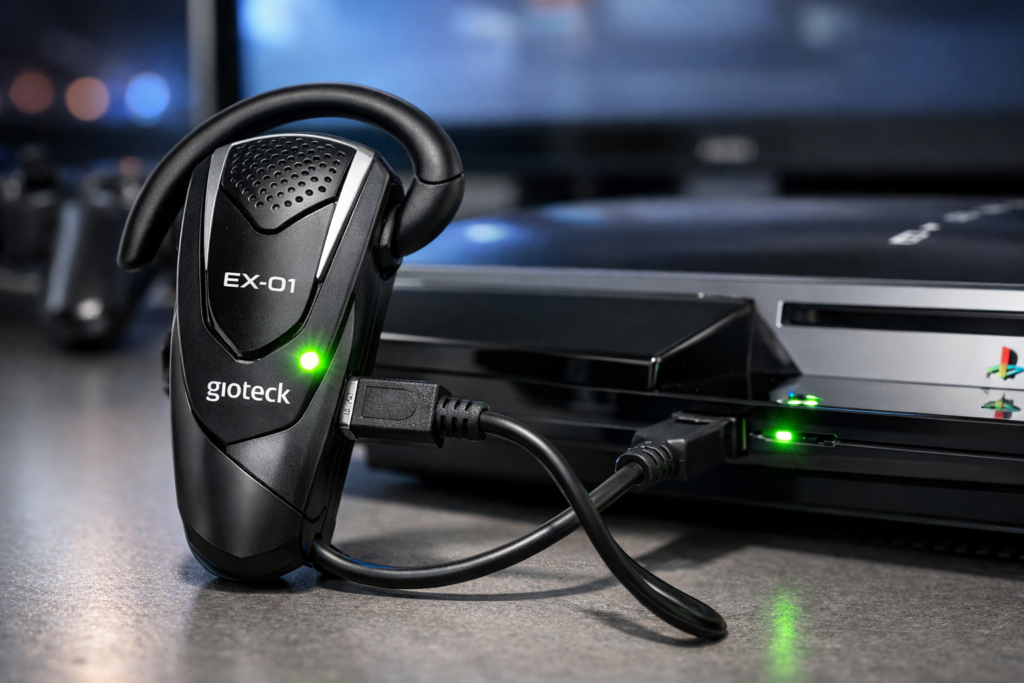
Charging the PS3 Gioteck EX-01 headset the right way is important if you want accurate charging indicators and consistent battery life. An incorrect setup can make it seem like the headset isn’t charging at all, even when it is.
3.1 Connecting the Headset Correctly
Start by using the mini-USB cable designed for the headset. Plug the mini-USB end into the charging port on the EX-01, making sure the connection is firm and not loose.
Next, connect the other end of the cable to a powered-on PS3 console. This part matters — the headset only charges reliably when the PS3 itself is turned on. If the console is off, the headset may not draw power or show any LED activity.
While other USB power sources might seem convenient, not all USB wall adapters or external power banks work consistently with the EX-01. For the most reliable results, charging directly from the PS3 console is recommended.
3.2 Charging Time Expectations
From an empty battery, the PS3 EX-01 typically takes around three hours to reach a full charge. During this time, the green LED should remain visible, indicating active charging.
If the headset’s battery is deeply drained or hasn’t been used for over a month, the LED may take a few minutes to light up after plugging it in. This delay is normal and doesn’t mean the headset is faulty it simply needs a moment to stabilize before charging begins.
4. Clear Signs the PS3 EX-01 Is Fully Charged
Knowing exactly when to unplug the headset helps protect the battery and ensures you get the best performance.
The most obvious sign is when the green LED turns off completely. In some cases, instead of fully turning off, the light may dim into a very weak green glow. Both behaviors indicate that the battery has reached full capacity.
Once this happens, it’s a good idea to disconnect the charging cable. Leaving the headset plugged in longer than necessary can increase wear on the rechargeable battery over time.
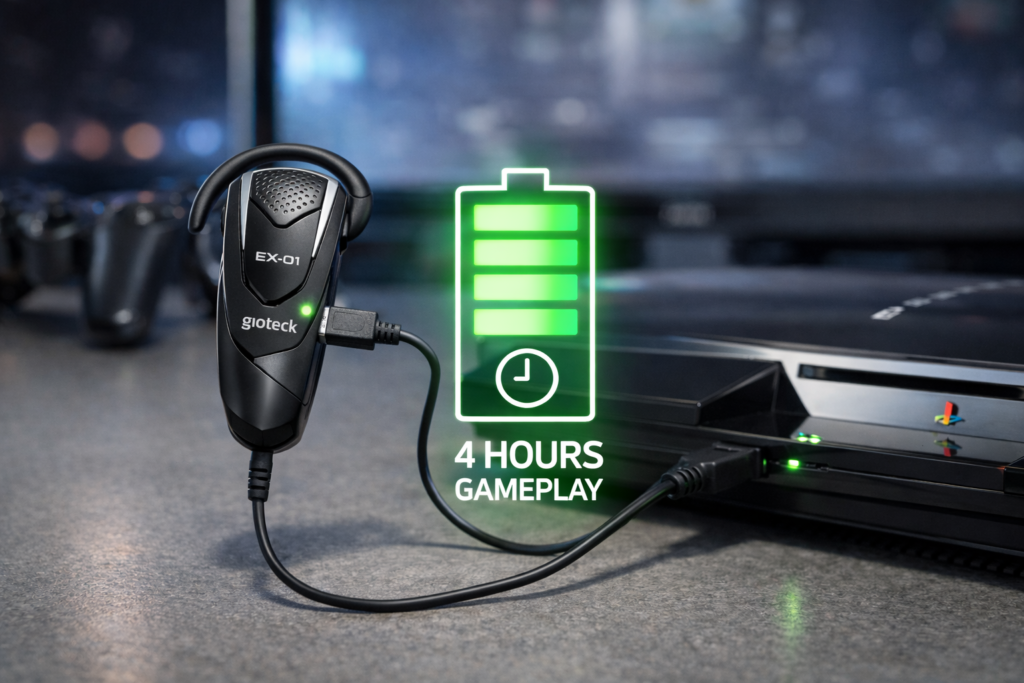
After a full charge, you can expect up to four hours of continuous gameplay, making the headset ready for extended gaming sessions without needing to recharge.
5. What to Do If the Headset Doesn’t Show Charging Signs
If your PS3 Gioteck EX-01 doesn’t show any LED activity after plugging it in, don’t panic. In many cases, the issue is related to power source, battery condition, or the cable rather than a faulty headset.
5.1 No LED Light Appearing
First, make sure your PS3 console is fully turned on. The EX-01 relies on active USB power from the PS3, and if the console is off or in standby mode, the headset may not charge or display any LED light at all.
If you’re using a wall adapter or a third-party USB power source, this could also be the problem. Wall adapters don’t always deliver compatible power for the EX-01, which can result in no visible charging indicator. For troubleshooting, always switch back to charging directly from the PS3 console.
5.2 Initial or Recovery Charging Tips
If the headset remains unresponsive, allow it to charge for at least 40 minutes before checking the LED again. Some units take time to wake up, especially if the battery was fully drained.
For new headsets or ones that haven’t been used for a long period, a complete three-hour charge is recommended, even if the LED behavior seems delayed or inconsistent at first. This helps condition the battery properly.
If problems continue, try using a different USB cable. A damaged or low-quality cable can prevent charging altogether, even though the headset itself is working fine.
6. Official Resources for Further Verification
For official documentation and verification straight from the source, you can consult the following trusted resources:
- 📘 Official Gioteck EX-01 Manual — View or download the full user manual, including detailed charging instructions, LED behaviors, and battery info: Gioteck EX-01 Bluetooth® Headset Manual (manuals.plus) Manuals+
- 📄 Manual Archive Source — Another location to access the Gioteck EX-01 user guide online: Gioteck EX-01 User Manual (manuals.co.uk) manuals.co.uk
- 📥 Additional Reference Manual PDF — A downloadable manual with charging details and LED indicator explanations: EX-01 User Manual PDF (fccid.io) FCC ID
These manuals are particularly useful if you want to check the official charging LED signals, recommended charge times, or manufacturer troubleshooting tips.
7. Related Guides You May Find Helpful
If you want deeper clarity on PS3 accessories and charging behavior, these guides cover closely related issues and are commonly referenced by PS3 users:
- 🔋 How long a PS3 controller takes to fully charge
https://www.lifewire.com/how-long-does-it-take-to-charge-a-ps3-controller-5187853 - 📊 How to check PS3 controller battery level on screen
https://www.playstation.com/en-us/support/hardware/ps3-controller-troubleshooting/ - 💡 What the different PS3 controller LED patterns mean
https://manuals.playstation.net/document/en/ps3/current/settings/controller.html - ⚡ Can you charge a PS3 controller from a wall adapter?
https://www.lifewire.com/charge-ps3-controller-with-wall-charger-4773932 - 🛠️ How to troubleshoot a PS3 controller that won’t charge quickly
https://www.ifixit.com/Wiki/DualShock_3_Won%27t_Charge
These resources pair well with the EX-01 headset guide and help you understand how Sony-designed PS3 accessories handle power, charging limits, and LED indicators.
FAQ – PS3 Gioteck EX-01 Charging
1. How can I tell when my PS3 EX-01 headset is fully charged?
The headset is fully charged when the green LED either turns off completely or dims to a weak green. At this point, it’s safe to unplug and use.
2. How long does it take to fully charge the PS3 EX-01 headset?
From a completely empty battery, it typically takes about 3 hours for a full charge. If the battery hasn’t been used for over a month, the LED may take a few minutes to respond.
3. Can I charge the EX-01 using a wall adapter or power bank?
Wall adapters or power banks may not reliably charge the headset. For consistent results, charge directly from a powered-on PS3 console.
4. What should I do if the headset doesn’t show any LED light while charging?
Ensure the PS3 console is turned on. If the LED still doesn’t appear, try charging for at least 40 minutes, or test with a different USB cable, especially for new or long-unused units.
5. How long does a full charge last during gameplay?
A fully charged EX-01 headset provides up to 4 hours of continuous gameplay before needing to recharge.