
-
- No Comments
- November 26, 2025

How to cancel Whoop membership
Introduction
WHOOP has quickly become one of the most popular fitness trackers on the market, celebrated for its in-depth analytics, sleep monitoring, and performance insights. Its wearable technology has attracted athletes, fitness enthusiasts, and wellness-minded individuals who want to optimize their health and recovery.
However, despite its many benefits, there are several reasons why someone might decide to cancel their WHOOP membership. Budget constraints, a shift to a different fitness tracker, or simply a decrease in usage can all motivate users to reconsider their subscription.
This guide is designed to make the cancellation process simple and stress-free. Whether you prefer using the app, the website, or contacting customer support, we’ll walk you step-by-step through every method to ensure a smooth and hassle-free cancellation experience.
2. Understanding Your WHOOP Subscription
Before canceling your WHOOP membership, it’s essential to understand the type of plan you’re on, as this will determine how the cancellation process works. WHOOP offers several membership options to suit different needs:
- Monthly Membership: Offers flexibility with a month-to-month commitment. Ideal for users who want to try WHOOP without a long-term commitment.
- Annual Membership: Requires a one-year commitment but comes with discounted rates, making it cost-effective for long-term users.
- 18-Month Membership: Extends the commitment period further and provides additional discounts for those planning to use WHOOP over a longer term.
Key Point: WHOOP cannot be used without an active membership. Once your membership ends, access to WHOOP features and data will cease after your billing cycle.
Knowing your specific subscription type is crucial before attempting cancellation. Different memberships may have different rules regarding payment obligations, refund eligibility, and timing, so a clear understanding will help you avoid unexpected charges or complications.
3. Refund Eligibility and the 30-Day Window
Timing is a critical factor when it comes to canceling WHOOP and obtaining a refund. Here’s what you need to know:
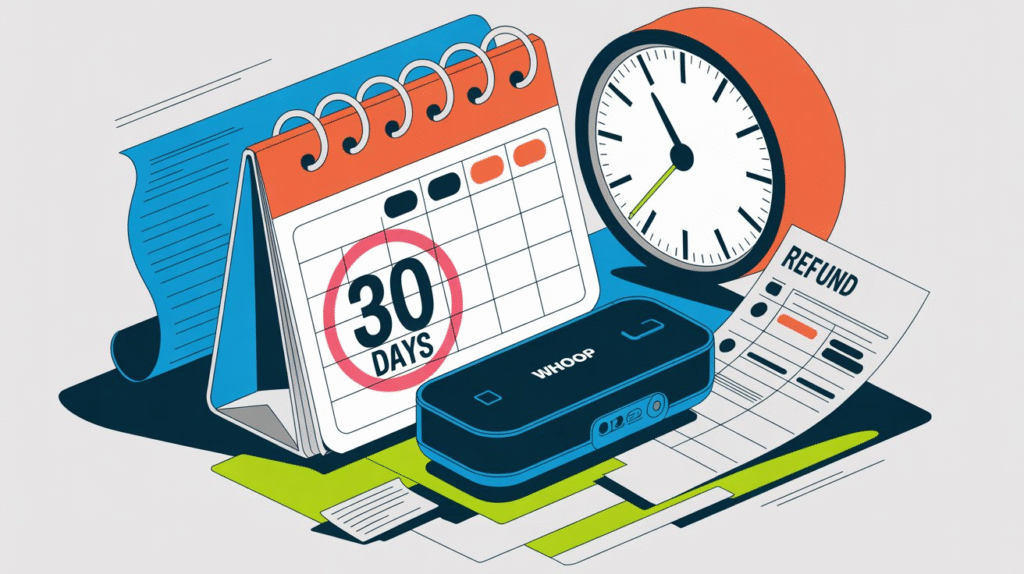
- 30-Day Refund Window: If you cancel within 30 days of receiving your WHOOP device, you may be eligible for a refund of the initial membership fee. To begin the process, visit app.WHOOP.com/membership/returns and follow the instructions. WHOOP will advise whether you need to return your strap before the refund is issued.
- Trial Offers: If you purchased WHOOP through a trial offer, you can cancel at any point during the trial period. In this case, the device and battery pack must be returned within 21 days to be eligible for a refund.
- After 30 Days: Cancelling outside the 30-day period makes you ineligible for a refund. It’s important to consider this timing carefully, especially if you’re planning to switch devices or want to avoid paying for a full membership term unnecessarily.
Understanding these rules ensures you maximize your refund options and avoid unexpected charges when discontinuing your WHOOP subscription.
4. Methods to Cancel WHOOP Membership
WHOOP provides multiple ways to cancel your membership, whether through the app, website, or by contacting customer support. Here’s a step-by-step breakdown of each method:
Method 1: Canceling Through the WHOOP App
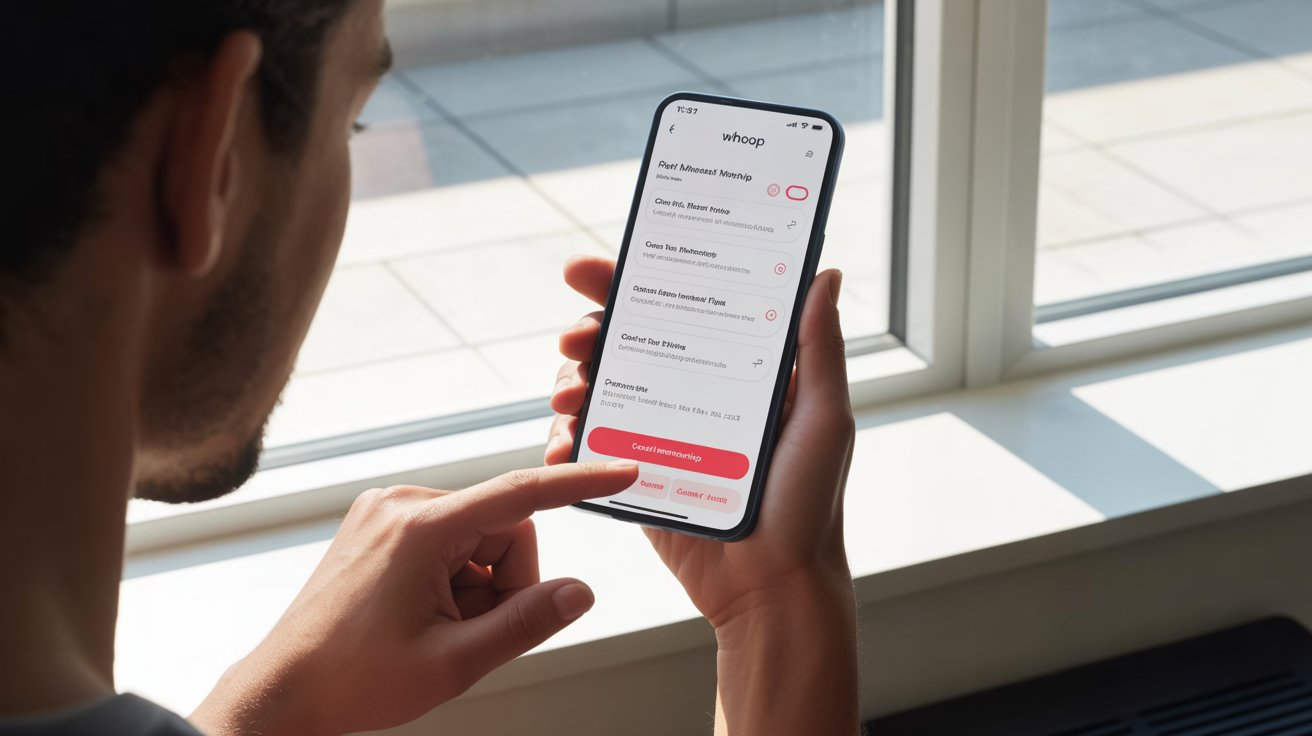
Canceling via the mobile app is the quickest and simplest option. Follow these steps:
- Open the WHOOP App: Launch the app on your smartphone and log in to your account.
- Navigate to Account Settings: Tap your profile icon, usually located at the bottom right of the app.
- Access the Membership/Subscription Section: Within account settings, locate the “Membership” or “Subscription” section.
- Select Cancel Membership: Tap the option to cancel your membership; the app will guide you through the confirmation prompts.
- Provide Feedback (Optional): WHOOP may ask why you’re leaving. You can skip this step if you prefer.
- Confirm Cancellation: Follow any on-screen instructions to finalize your decision.
- Receive Confirmation Email: WHOOP will send an email verifying your membership cancellation. Keep this email for your records.
Method 2: Canceling Through the WHOOP Website
If you prefer using a desktop or web browser, you can cancel directly on WHOOP’s website:
- Log in to Your WHOOP Account: Visit WHOOP’s official website and sign in.
- Navigate Account Settings: Find the settings option in the main navigation menu.
- Locate Subscription Details: Review your current plan and renewal date.
- Access the Membership Page: Click on “Membership” in the menu.
- Find the Cancellation Option: Scroll to the bottom and select “Cancel your Membership.”
- Choose Payment Handling for Remaining Months: Decide whether to pay off any remaining commitment as a lump sum or continue monthly until the end of your term.
- Receive Cancellation Confirmation: After confirming, you’ll see a message verifying your cancellation. You can continue using WHOOP until the end of your current commitment period.
Method 3: Contacting WHOOP Customer Support
If you encounter issues or prefer direct assistance, WHOOP support can guide you through cancellation:
Contact Options:
- Support Website: support.whoop.com
- Phone: +1 (833) 948-0566
- Email: Through the support portal
- Twitter: Send a direct message to WHOOP’s official account
Tips for a Smooth Cancellation:
- Have your account details and membership plan information ready.
- Clearly state your intent to cancel the membership.
- Follow the instructions provided by the support team to complete the process.
5. Understanding Cancellation Fees and Payment Obligations
While WHOOP doesn’t charge explicit cancellation fees, your membership type and timing affect how payments are handled:
- Monthly Memberships Within Commitment Periods: If you’re on a monthly plan tied to a 12-month commitment, you must pay for the remaining months or schedule your cancellation to take effect at the end of your commitment period.
- Annual or Multi-Year Prepaid Plans: For yearly or 18-month plans paid upfront, you cannot cancel immediately without financial consequences. You can, however, schedule your cancellation to take effect at the end of your prepaid term.
- After the Commitment Ends: Once your annual or multi-year term expires, you are free to cancel before the next billing cycle without incurring additional charges.
- Prorated Refund Possibilities: Depending on your plan and cancellation timing, some users may be eligible for a prorated refund. Contact WHOOP customer support to clarify your specific situation and refund eligibility.
Understanding these payment obligations ensures there are no surprises and helps you plan your cancellation in a financially efficient way.
6. Alternatives to Complete Cancellation
Before deciding to fully cancel your WHOOP membership, consider options that may better suit your needs:
- Downgrading to a Cheaper Plan: If cost is the primary concern, you may switch to a more affordable membership tier instead of canceling entirely. Check available options in the app or contact customer support to see if downgrading is possible.
- Pausing Your Membership Temporarily: Some users prefer taking a temporary break rather than permanently canceling. Reach out to WHOOP support to inquire about pause options, especially if you anticipate resuming usage in the near future.
- When Alternatives Might Be Better: If your decision is driven by short-term factors like budget constraints, travel, or temporary changes in fitness routines, downgrading or pausing can maintain your account and data without losing access permanently.
Exploring these alternatives can save you money, preserve your data, and prevent the hassle of reactivating your account later.
7. Common Reasons People Cancel WHOOP
Understanding why users cancel their WHOOP membership can help you determine whether full cancellation is the right choice for you. Common reasons include:
- Dissatisfaction with the Product or Service: Some users may feel the features or tracking data do not meet their expectations.
- Change in Fitness Goals: Shifts in personal fitness routines or goals can make WHOOP less relevant.
- Financial Constraints: Membership costs may no longer fit within a user’s budget.
- Switching to Alternative Fitness Trackers: Many users move to devices like Fitbit, Oura Ring, or Apple Watch for different features or preferences.
- Temporary Break (Pause Option): Some users prefer a short-term pause rather than permanent cancellation.
- Billing Issues or Technical Difficulties: Problems with payments, app functionality, or the WHOOP strap can prompt cancellation.
Recognizing these reasons can help you evaluate if an alternative solution like pausing your membership or downgrading—might be a better fit.
8. Important Reminders for a Smooth Cancellation
To ensure your WHOOP cancellation is processed without issues, keep these key points in mind:
- Review Terms and Conditions: Understand your membership plan’s rules regarding cancellation and payments.
- Confirm Device Return Requirements: Check if returning the strap or battery pack is necessary to receive a refund.
- Keep Your Cancellation Confirmation Email: This serves as proof of your request and is essential for any follow-ups.
- Verify Cancellation if No Confirmation Email is Received: Contact WHOOP support immediately if you don’t receive confirmation.
- Note: After cancellation, you will retain access to WHOOP features only until the end of your current billing cycle.
Following these reminders helps prevent misunderstandings and ensures a smooth, hassle-free cancellation experience.
9. Resources / References
For readers seeking further guidance or verification, the following resources provide comprehensive information on canceling WHOOP memberships:
- SearchThings (2025): Step-by-step guide on membership types and policies
- SmartBodyTouch (2023): 30-day refund window, app/website cancellation, customer support methods
- HowCan.net (2025): Website cancellation steps, post-cancellation access, support contacts
- StellarFi (2023): Trial offer rules, commitment period details, support numbers
- Wearholic (2023): Refund process, cancellation scenarios, FAQs
- YouTube – The Mark O’Rall LLC (2025): Video tutorial on cancellation and device return
These sources help establish credibility and provide additional step-by-step guidance for readers who want a visual or detailed walkthrough.
10. Conclusion
Canceling your WHOOP membership doesn’t have to be complicated. By understanding your subscription type, knowing your refund eligibility, and following the app, website, or customer support cancellation methods, you can end your membership smoothly and efficiently.
Before making a final decision, consider alternatives such as downgrading your plan or pausing your membership to see if they better meet your needs.
Finally, always keep proper documentation especially confirmation emails so you have proof of your cancellation and can avoid any future issues. A little preparation ensures a hassle-free experience from start to finish.
Frequently Asked Questions (FAQ)
1. Can I cancel my WHOOP membership at any time?
Yes, you can cancel at any time, but your options and refund eligibility depend on your membership type and how long you’ve had your device. Monthly plans are more flexible, while annual or multi-year plans may require scheduling cancellation at the end of the commitment period.
2. Am I eligible for a refund if I cancel my WHOOP membership?
You are eligible for a refund if you cancel within 30 days of receiving your device. For trial offers, cancellation during the trial period also allows for a refund, provided the device and battery pack are returned within 21 days. Outside this window, refunds are typically not available.
3. What are the different ways to cancel my WHOOP membership?
WHOOP membership can be canceled through three main methods: via the WHOOP app, on the WHOOP website, or by contacting customer support through phone, email, or Twitter. Each method provides step-by-step guidance to ensure cancellation is successful.
4. Do I need to return my WHOOP device after canceling?
Returning your device is only required if you are seeking a refund within the 30-day window or during a trial offer. Otherwise, your membership ends at the conclusion of your billing cycle, and no return is necessary.
5. Are there alternatives to canceling my WHOOP membership completely?
Yes. You can consider downgrading to a cheaper plan or pausing your membership temporarily. These options may save money and preserve your account data while avoiding permanent cancellation.