-
- No Comments
- November 28, 2026

CapCut vs Premiere Pro: Which Should You Use for Video Ads?
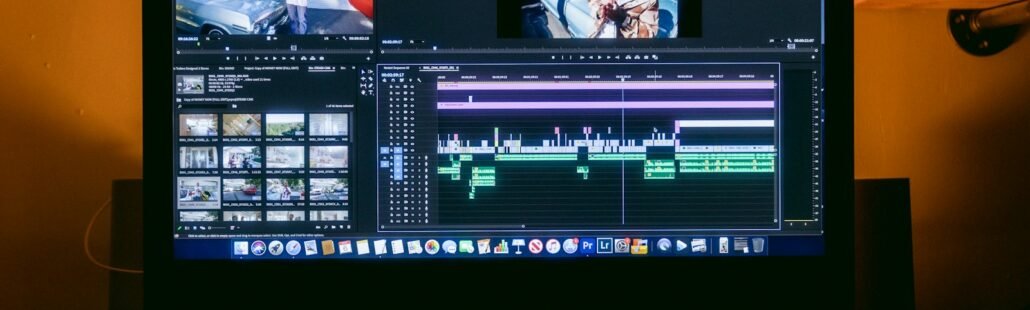
CapCut and Adobe Premiere Pro are two of the most popular editors for social video. One is quick and template-friendly; the other is a professional workhorse. Here’s how they compare for making ads.
Quick comparison
- Ease of use: CapCut is easier for beginners; Premiere Pro has a steeper learning curve.
- Speed for short-form: CapCut is very fast for Reels and TikToks; Premiere Pro is fast once you have presets.
- Advanced control: Premiere Pro wins for multi-camera, colour, audio and complex timelines.
- Templates and effects: CapCut has many trendy built-ins; Premiere Pro relies on templates and plugins.
- Integration: Premiere Pro works with After Effects and other Adobe apps.
- Cost: CapCut has free and paid tiers; Premiere Pro is a subscription.
Check each tool’s current pricing and licence terms, especially for commercial use of templates, fonts and music.
When CapCut makes sense
- Business owners editing their own quick social posts.
- Trend-based content with built-in effects.
- Fast auto captions on mobile.
When Premiere Pro makes sense
- Professional ad production with many variations.
- Long-form YouTube and brand videos.
- Teams sharing projects and assets.
- Advanced colour, audio and motion graphics workflows. See Premiere Pro tips for ads.
The real difference
The tool matters less than the editor. Strong hooks, pacing, captions and clear offers come from editing skill, not software. A great editor can make a winning ad in either.
Other options
- DaVinci Resolve: powerful free version, excellent colour tools.
- Final Cut Pro: fast on Mac.
- Browser-based editors for simple jobs.
Related reading
AI video editing tools · Editing short-form ads · Video editing services
Skip the software decision
Send Eadoz your footage and get finished, tested-style ads back. Book a free meeting or chat on WhatsApp.