-
- No Comments
- November 28, 2026

Motion Graphics in Video Ads: When to Use Them and How They Lift Results
Motion graphics are animated text, shapes, icons and visuals added to a video. In ads, they do two important jobs: they hold attention by giving the eye something new to look at, and they make the message easier to understand, especially with the sound off. Used well, they turn a simple talking-head video into an ad that feels polished and clear. Used badly, they distract from the message.
Levels of motion graphics in ads
1. Animated captions
Word-by-word or phrase-by-phrase captions with highlighted keywords. The foundation of almost every short-form ad.
2. Animated icons and emojis
Small icons that pop in when a concept is mentioned, such as a house for “home”, a calendar for “booking” or a tick for benefits. Adds energy at low cost.
3. Overlay graphics
Branded boxes, lower thirds, callouts, arrows, price tags (where appropriate) and screenshots placed over footage to highlight key points.
4. Premium overlay animations
Custom animated scenes like phone mockups, review cards, step-by-step process graphics, animated charts and brand-colour transitions layered with live footage.
5. Full motion graphics
Ads built mostly or entirely from animation: explainer-style visuals, kinetic typography and illustrated scenes. Great for software, financial products and abstract services.
When motion graphics help most
- Explaining a process: show steps visually instead of describing them.
- Numbers and results: animate counters, charts and comparisons.
- Abstract services: SaaS, finance, consulting, where there is little to film.
- Sound-off viewing: make the key message readable at a glance.
- Brand recognition: consistent colours and styles make ads instantly recognisable.
When to keep it simple
For UGC-style and testimonial ads, heavy graphics can make content feel like an ad and reduce trust. Use light captions and a few accents instead. Always test both styles. See Meta ads creative testing.
Best practices
- Every graphic should support the spoken message.
- Keep text short and readable on a phone.
- Keep important elements away from platform buttons and captions.
- Use your brand colours and one or two fonts.
- Match animation speed to the pace of speech.
- Add subtle sound effects to animations for polish.
Example: a talking-head ad with overlays
A home-improvement company owner explains how its job flow system brings booked estimates. The edit adds animated captions, a phone mockup showing an incoming lead, three numbered steps appearing as he speaks, a branded review card and a final call-to-action card in the company’s colours. Same footage, much clearer message. See talking-head editing techniques.
Tools editors use
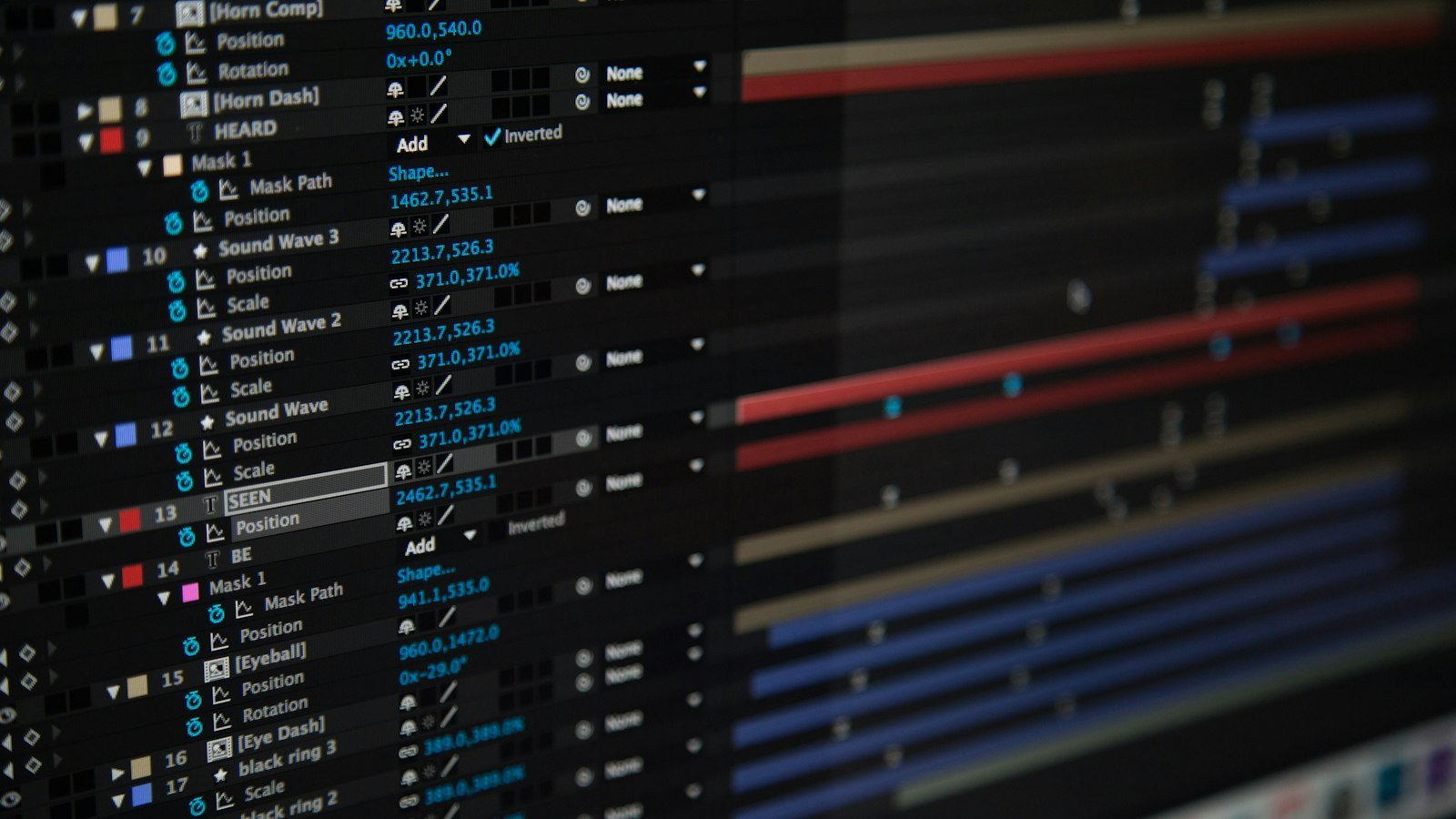
Professional motion graphics are typically created in tools like Adobe After Effects, with editing in Premiere Pro or DaVinci Resolve. Mobile and simpler editors such as CapCut offer templates for animated text and effects. AI features increasingly speed up captioning and tracking.
Want motion graphics ads?
Eadoz edits ads at every level, from animated captions and icons to premium overlays and full motion graphics. See our video editing services, book a free meeting or chat on WhatsApp.